

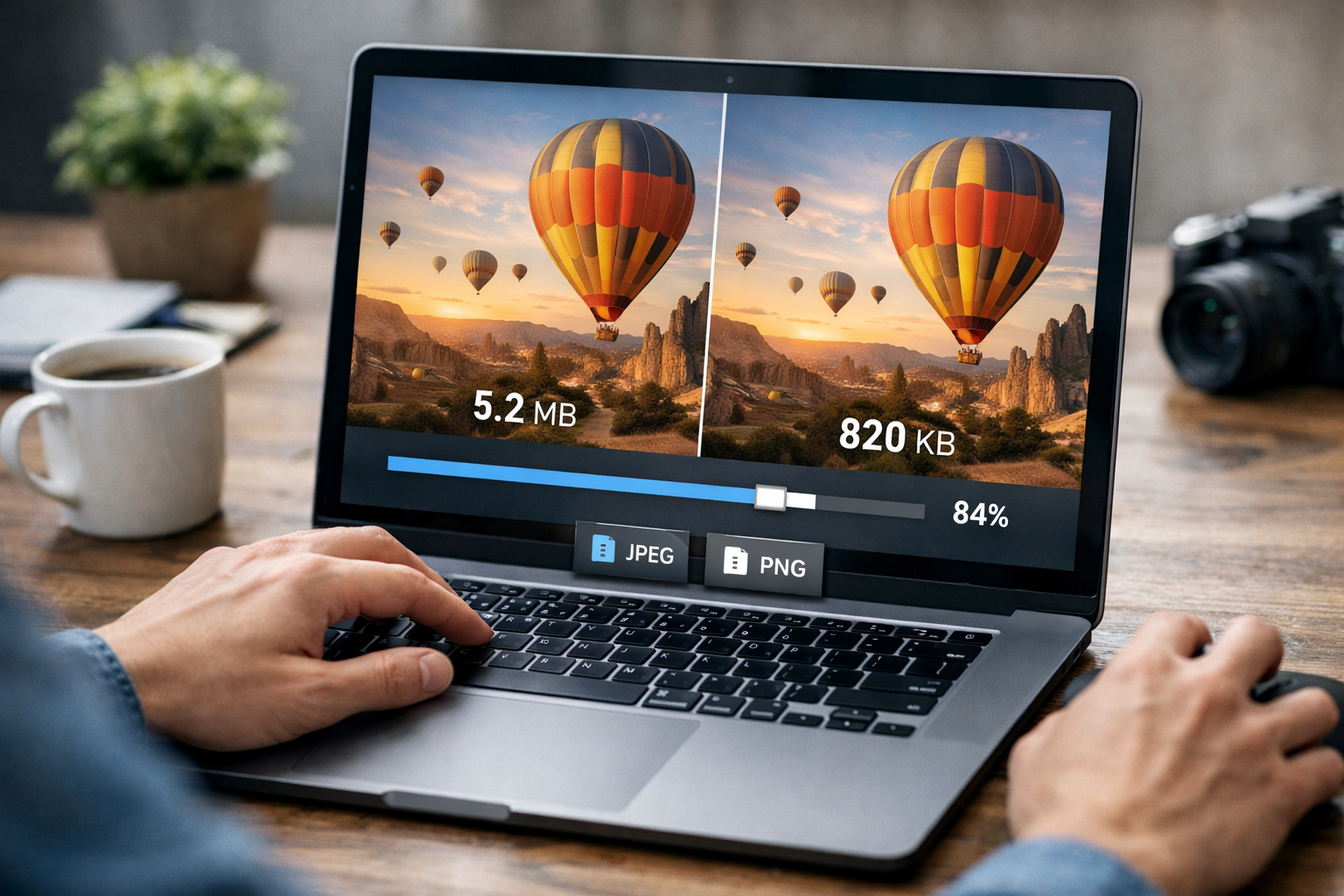
Images are essential for modern websites, blogs, eCommerce stores, and digital marketing campaigns. However, large image files—especially JPEG and PNG formats—can significantly slow down your website. Slow-loading pages frustrate users, increase bounce rates, and negatively impact search engine rankings. That’s why using an online JPEG & PNG compressor is one of the smartest steps you can take to improve performance. With the right tool, you can reduce file size without quality loss and maintain a professional visual appearance across all devices.
An optimized image loads faster, consumes less bandwidth, and improves overall website efficiency. Whether you manage a blog, an online store, or a business website, compressing images should be part of your regular workflow. Platforms like https://reduceimageresolution.com provide a simple and effective way to compress JPEG and PNG files while preserving their clarity.
What Is an Online JPEG & PNG Compressor?
An online JPEG & PNG compressor is a web-based tool designed to shrink image file sizes without visibly affecting image quality. It works by optimizing image encoding, removing unnecessary metadata, and applying intelligent compression algorithms. The result is a smaller image file that looks identical to the original.
Unlike traditional compression methods that cause blurriness or pixelation, modern compressors focus on maintaining visual integrity. This is especially important for product images, portfolio displays, blog visuals, and branding materials.
Why JPEG and PNG Files Need Compression
JPEG and PNG are among the most commonly used image formats on the web. While they provide excellent visual quality, they can also produce large file sizes if not optimized.
JPEG files are widely used for photographs and detailed visuals. They support strong compression but can become heavy when exported in high resolution.
PNG files are ideal for graphics, logos, and images with transparency. However, PNG files are typically larger than JPEGs and require optimization for web use.
By compressing both formats properly, you ensure faster loading times and smoother browsing experiences.
Benefits of Reducing File Size Without Quality Loss
Faster Website Loading
Large images are one of the biggest contributors to slow page speeds. Compressing JPEG and PNG files reduces total page weight, allowing browsers to load content quickly.
Improved SEO Rankings
Search engines prioritize fast-loading websites. Optimized images contribute to better Core Web Vitals and improved search visibility.
Better Mobile Performance
Mobile users often rely on limited bandwidth. Smaller image files load more efficiently on smartphones and tablets, ensuring a seamless experience.
Lower Bandwidth Usage
Compressed images use less data, which benefits both website owners and visitors.
Professional Visual Quality
Maintaining image clarity is crucial for branding. With quality-preserving compression, your visuals remain sharp and professional.
Using a reliable tool like https://reduceimageresolution.com allows you to achieve all these benefits without sacrificing image quality.
JPEG vs. PNG Compression Comparison
Feature | JPEG Compression | PNG Compression
Best For | Photographs | Logos and graphics
Transparency Support | No | Yes
File Size Potential | Smaller after compression | Larger but optimizable
Quality Preservation | Excellent with smart compression | Excellent with lossless optimization
Both formats benefit significantly from proper compression, especially for web and mobile performance.
How Online Compression Works
When you upload an image to an online compressor, the system analyzes the file structure. It removes unnecessary metadata, optimizes encoding patterns, and reduces redundant information. In many cases, this process reduces file size dramatically while keeping the image visually unchanged.
The advantage of online tools is convenience. There is no need to install heavy software or learn complex editing techniques. Everything happens directly in your browser.
Step-by-Step Guide to Compress JPEG & PNG Images
Step 1: Open a reliable online compressor such as https://reduceimageresolution.com
Step 2: Upload your JPEG or PNG file
Step 3: Allow the tool to process and optimize the image
Step 4: Download the compressed version
Step 5: Replace the original file on your website with the optimized image
This quick process ensures your website remains lightweight and fast.
Common Mistakes to Avoid
Uploading high-resolution images without resizing them first can still affect performance. Always adjust dimensions according to your website layout.
Over-compressing images to extremely low file sizes may impact clarity. Balance optimization and quality.
Ignoring mobile performance testing is another common mistake. Always check how images appear on different devices.
Forgetting to compress new images before uploading leads to inconsistent page speed. Make compression a standard part of your content publishing routine.
Who Should Use an Online JPEG & PNG Compressor?
Bloggers publishing image-heavy articles need optimized visuals to maintain fast loading times.
eCommerce store owners rely on high-quality product images, but large files can slow down product pages and reduce conversions.
Digital marketers running paid campaigns benefit from fast-loading landing pages.
Web developers and designers aiming for high-performance websites should integrate image optimization into every project.
Photographers and creatives sharing online portfolios can reduce file size while preserving professional quality.
SEO Impact of Optimized Images
Image optimization plays a direct role in technical SEO. Search engines evaluate page speed, user engagement, and mobile performance. Heavy images increase load times and hurt rankings. By reducing JPEG and PNG file sizes without quality loss, you improve site speed and overall search performance.
Optimized images also enhance user satisfaction. Visitors are more likely to stay longer and explore additional pages when the browsing experience is smooth and responsive.
Future of Image Optimization
As web technologies evolve, performance standards continue to rise. Users expect instant loading and smooth interactions. Businesses that prioritize image compression gain a competitive advantage. Optimizing JPEG and PNG files is no longer optional—it is a necessity for modern websites.
By using an efficient online JPEG & PNG compressor, you ensure your website stays fast, professional, and search-engine friendly.
Final Thoughts
Large JPEG and PNG files can silently reduce your website’s performance and SEO potential. Compressing images without quality loss is one of the simplest yet most powerful ways to improve speed instantly.
If you want to maintain visual clarity while reducing file size, start optimizing your images with a reliable online tool like https://reduceimageresolution.com. Deliver faster loading pages, better mobile performance, and a seamless user experience—without compromising image quality.