

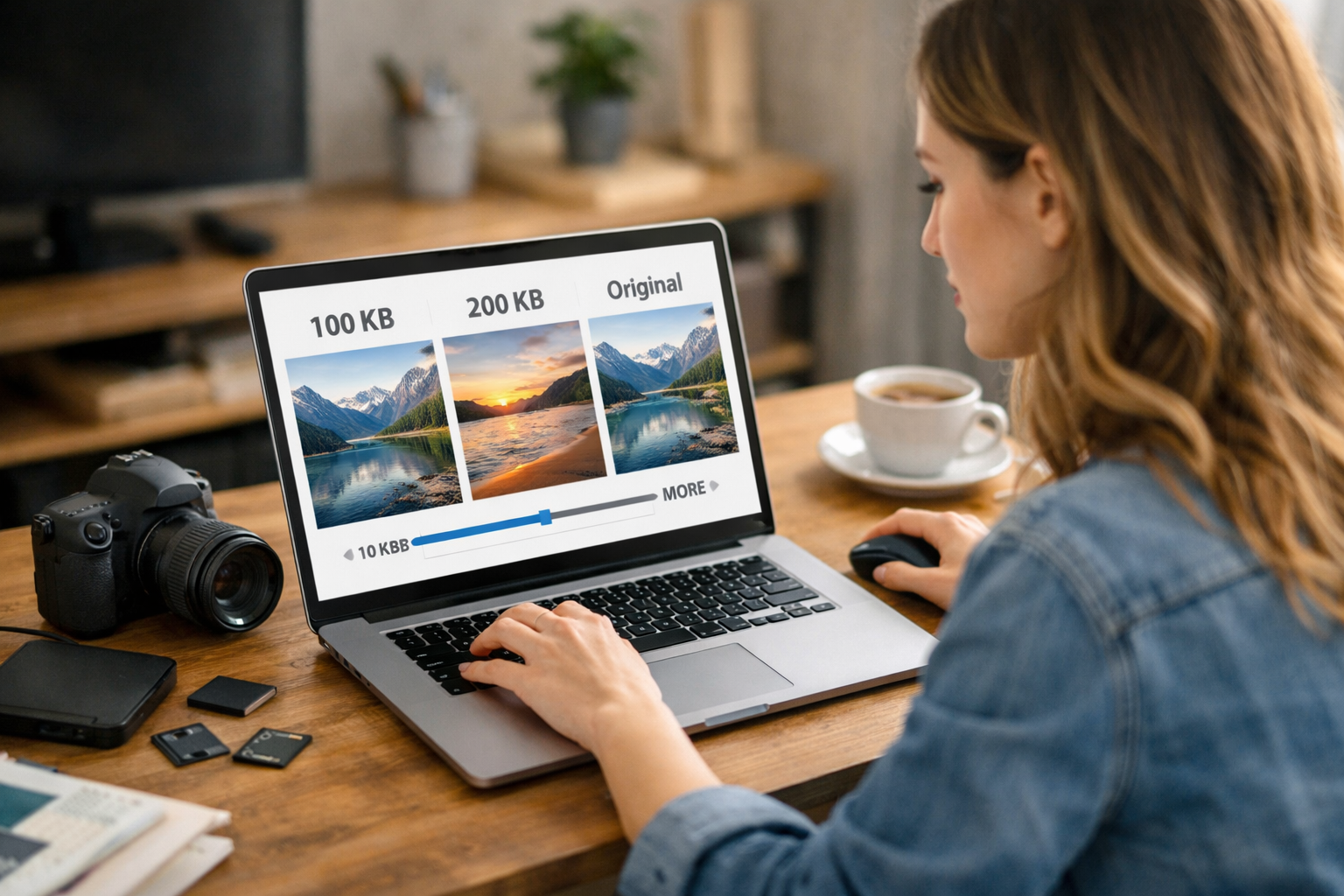
Large image files are one of the most common reasons websites load slowly. Whether you are uploading photos for a blog post, submitting documents for online forms, or optimizing product images for an eCommerce store, controlling image file size is essential. Many platforms require specific limits such as 100KB, 200KB, or other custom sizes. Using a high-quality photo size reducer allows you to compress images to exact file sizes without sacrificing visual clarity. With https://reduceimageresolution.com, you can quickly reduce image size while maintaining professional quality.
Modern websites demand both speed and visual excellence. Heavy images increase page weight, slow down loading times, and negatively impact SEO rankings. At the same time, blurry or pixelated images damage credibility. The solution is smart compression that balances file size and image quality effectively.
Why Compress Images to Specific Sizes Like 100KB or 200KB?
There are many situations where precise file size limits matter. Government portals, job application websites, exam forms, and online submissions often require images under 100KB or 200KB. Social media platforms and online marketplaces may also have size restrictions.
For website owners, compressing images to controlled sizes improves performance consistency. Instead of uploading random large files, you can standardize image weights for faster loading across all pages. Using https://reduceimageresolution.com makes it easy to meet size requirements without repeated manual adjustments.
What Is a High-Quality Photo Size Reducer?
A high-quality photo size reducer is an advanced tool that decreases image file size while preserving visual details. It works by optimizing compression levels, removing unnecessary metadata, and refining file structure. Unlike basic compression tools that reduce clarity, a quality-focused reducer maintains sharpness, color accuracy, and detail.
This ensures that even when compressing images to 100KB or 200KB, the photo still looks clean and professional. Whether you are reducing JPEG, PNG, or other image formats, proper optimization prevents distortion and visible artifacts.
Benefits of Compressing Images Without Quality Loss
Faster Website Speed
Smaller images load quickly, improving overall website responsiveness and user experience.
Improved SEO Performance
Search engines reward fast-loading pages. Optimized images contribute to better Core Web Vitals and search rankings.
Easy File Submission
Meeting strict file size limits becomes simple when you can compress images accurately.
Better Mobile Experience
Lightweight images load smoothly on mobile networks, ensuring accessibility for all users.
Reduced Storage Usage
Smaller files consume less hosting space and reduce server load.
Using a reliable solution like https://reduceimageresolution.com helps you achieve these benefits effortlessly.
Compressing to 100KB vs. 200KB – What’s the Difference?
Feature | 100KB Images | 200KB Images
Best For | Forms and strict upload limits | Websites and moderate quality needs
File Size | Very lightweight | Lightweight
Image Detail | Slightly more compressed | Higher detail retention
Loading Speed | Extremely fast | Very fast
Choosing the right file size depends on your purpose. For strict submission requirements, 100KB works well. For websites where quality matters more, 200KB provides an excellent balance between clarity and speed.
How to Compress Images to a Specific Size
Step 1: Visit https://reduceimageresolution.com
Step 2: Upload your image file
Step 3: Choose or adjust compression settings to reach your target size
Step 4: Process the image
Step 5: Download the optimized file and verify its size
This process ensures you meet required limits without repeated editing or complicated software.
Best Image Formats for Controlled Compression
JPEG
Ideal for photographs and detailed visuals. JPEG files compress efficiently and are perfect for reaching smaller size targets like 100KB.
PNG
Best for graphics and transparent images. PNG files can also be reduced significantly with proper optimization.
WebP
A modern format designed for high efficiency. WebP provides strong compression while maintaining impressive visual quality.
Regardless of format, intelligent compression ensures professional results.
Common Mistakes When Reducing Image Size
Over-compressing images can result in visible pixelation or color distortion. Always aim for a balance between size and clarity.
Ignoring image dimensions can limit compression effectiveness. Resize large images appropriately before compressing.
Using unreliable tools may reduce quality too aggressively. Choose a trusted platform to maintain professional standards.
Forgetting to test the final image before uploading can cause submission rejections if file size limits are not met accurately.
Who Should Use a Photo Size Reducer?
Students and job applicants who must upload photos under strict file size limits benefit from precise compression.
Bloggers and content creators improve website speed and SEO performance with optimized visuals.
eCommerce store owners maintain high-quality product images while keeping pages lightweight.
Digital marketers ensure landing pages load quickly, improving campaign conversions.
Web developers streamline image optimization for consistent site performance.
SEO Impact of Optimized Image Sizes
Search engines evaluate page speed as a ranking factor. Large images increase load times and reduce performance scores. Compressing images to 100KB, 200KB, or other optimized sizes improves technical SEO and enhances mobile performance.
Optimized images also improve user engagement. Visitors are more likely to stay on a fast website, explore multiple pages, and complete desired actions.
Future of Smart Image Compression
As digital platforms continue to emphasize speed and efficiency, precise image compression will become increasingly important. Users expect instant loading, and search engines prioritize performance metrics. Implementing a high-quality photo size reducer ensures your website remains competitive in an evolving digital landscape.
Standardizing image sizes across your website creates a consistent, professional experience while maintaining optimal performance.
Final Thoughts
Compressing images to 100KB, 200KB, or other specific limits is essential for both website performance and online submissions. The key is reducing file size without sacrificing visual quality.
If you want to maintain sharp, professional images while improving speed and meeting upload requirements, start optimizing today with https://reduceimageresolution.com. Achieve the perfect balance between quality and file size and deliver a faster, smoother experience for every user.