
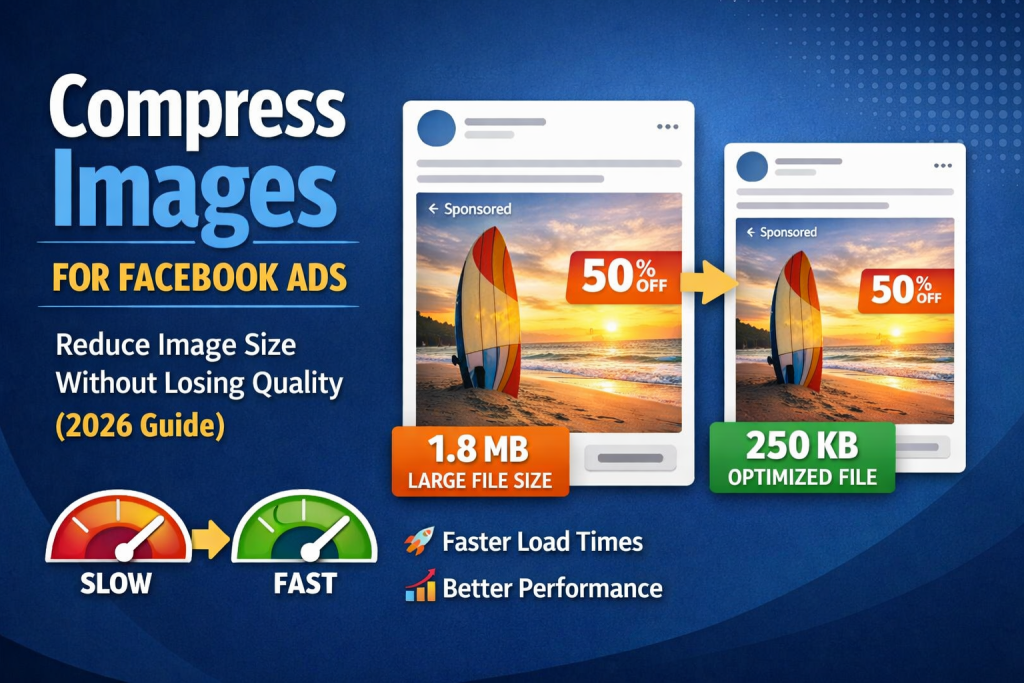
Running Facebook Ads is all about visuals. You can have the best copy and targeting, but if your ad image looks blurry, stretched, or over-compressed, people will scroll right past it 😬.
Facebook automatically compresses ad images — and if your image isn’t optimized before upload, the quality can drop fast. That’s why knowing how to compress images for Facebook Ads without losing quality is critical for better performance and lower ad costs.
In this guide, you’ll learn the best Facebook ad image sizes, common mistakes to avoid, and how https://reduceimageresolution.com helps you optimize ad images the right way 🚀.
Why Image Optimization Matters for Facebook Ads 🤔
Facebook Ads compete for attention in a crowded feed. Your image has less than a second to make an impact.
Poorly optimized images can lead to:
-
Blurry visuals 😕
-
Unreadable text
-
Lower click-through rate (CTR)
-
Higher cost per click (CPC)
-
Reduced ad performance
Optimized images, on the other hand:
✔️ Load faster
✔️ Look sharper
✔️ Get more clicks
✔️ Perform better on mobile
Does Facebook Compress Ad Images? Yes! 😬
Facebook compresses all ad images to:
-
Save bandwidth
-
Improve loading speed
-
Ensure consistency across devices
If your image is:
🚫 Too large
🚫 Wrong dimensions
🚫 Wrong format
Facebook applies aggressive compression — and you lose quality.
That’s why pre-compressing images is the smart move.
Best Image Sizes for Facebook Ads 📐
Using correct dimensions helps avoid unnecessary compression.
Recommended Facebook Ad Image Sizes
✅ Feed ads: 1200 × 628 px (1.91:1)
✅ Square ads: 1080 × 1080 px (1:1)
✅ Carousel ads: 1080 × 1080 px
✅ Stories ads: 1080 × 1920 px
Recommended File Size
-
Keep images under 200 KB for best performance ⚡
-
Avoid raw camera images (3–10 MB ❌)
What Is a Facebook Ad Image Compressor? 🛠️
A Facebook Ad image compressor is a tool that:
-
Reduces image file size
-
Maintains visual quality
-
Prevents Facebook from over-compressing
-
Improves ad clarity
Instead of uploading oversized images and letting Facebook decide, you control the quality first 💡.
Why Use ReduceImageResolution.com for Facebook Ads ❤️
https://reduceimageresolution.com is built for fast, high-quality image optimization — perfect for advertisers.
Key Benefits
✔️ Free & online
✔️ No sign-up required
✔️ Works on desktop & mobile
✔️ Supports JPG, PNG & WEBP
✔️ No watermark
✔️ Maintains sharpness
Whether you’re running ads for an e-commerce store, local business, or agency client, the tool helps your ads look professional 🔥.
How to Compress Images for Facebook Ads (Step-by-Step) 🧩
Here’s how to do it properly:
Step 1: Upload Your Ad Image
Go to https://reduceimageresolution.com and upload your image 📤.
Step 2: Choose Facebook Ad Dimensions
Select the size based on your ad type:
-
Feed: 1200 × 628
-
Square: 1080 × 1080
-
Stories: 1080 × 1920
Step 3: Reduce File Size Without Losing Quality
Lower resolution slightly instead of extreme compression. This keeps text sharp and colors clean ✨.
Step 4: Download and Upload to Facebook Ads Manager
Download the optimized image and upload it to your ad. Done! ✅
Best Image Format for Facebook Ads 🖼️
JPEG (Best Choice 📸)
✔️ Smaller file size
✔️ Ideal for photos and product images
✔️ Fast uploads
PNG (Best for Text & Graphics 📝)
✔️ Sharper text
✔️ Ideal for banners and designs
✔️ Slightly larger file size
💡 Pro Tip: Use JPEG for photo-based ads and PNG for text-heavy designs.
How Image Compression Improves Facebook Ad Performance 📈
Optimized images directly affect ad metrics.
Benefits
🔥 Higher CTR
🔥 Lower CPC
🔥 Faster loading on mobile
🔥 Better ad approval success
🔥 Improved user experience
Clear images = more trust = more clicks 💰.
Common Facebook Ad Image Mistakes ❌
Avoid these costly errors:
🚫 Uploading oversized images
🚫 Using wrong aspect ratios
🚫 Over-compressing text
🚫 Ignoring mobile optimization
🚫 Letting Facebook handle compression alone
A few small fixes can make a big difference.
Mobile Optimization Is Critical 📱
Most Facebook Ads are viewed on mobile.
Mobile Best Practices
✔️ Use high-contrast images
✔️ Keep text readable
✔️ Compress images under 200 KB
✔️ Avoid tiny fonts
Using https://reduceimageresolution.com ensures your ad images look great on every device.
Is ReduceImageResolution.com Safe for Ad Images? 🔒
Yes 👍
-
No account required
-
Images processed instantly
-
No permanent storage
-
Privacy-friendly
Perfect for agencies and advertisers.
Final Thoughts 🎯
Facebook Ads are competitive. Image quality can be the difference between a profitable campaign and wasted spend.
By compressing images before uploading, you:
✔️ Protect image clarity
✔️ Improve ad performance
✔️ Reduce load times
✔️ Lower advertising costs
If you want a free, fast, and reliable way to compress images for Facebook Ads, https://reduceimageresolution.com is the ideal solution 🚀📢.
Start optimizing your Facebook Ad images today and get more value from every click 🔥✨.