

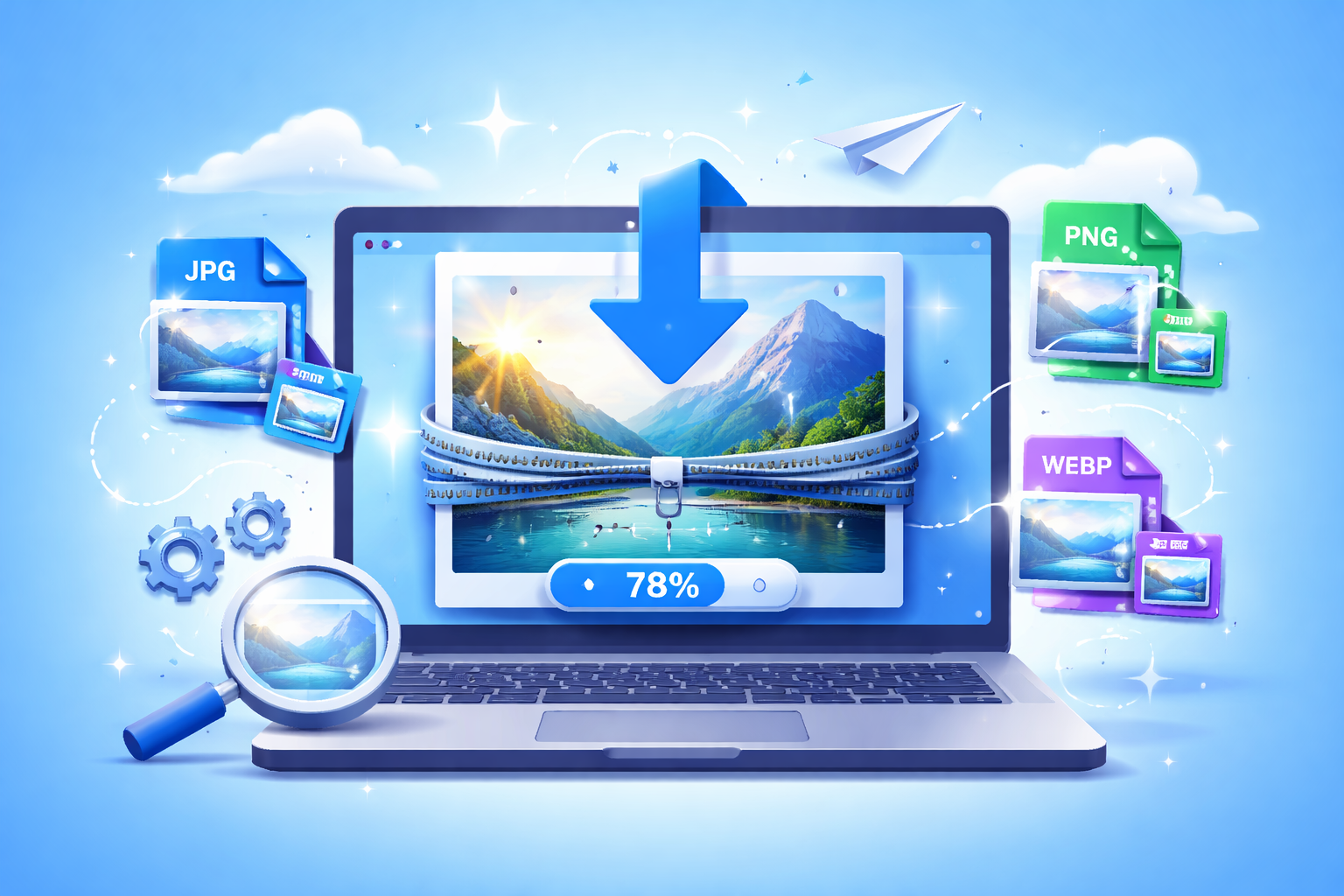
Images are essential for creating engaging websites, blogs, and online stores, but large files can significantly slow down page speed. Slow-loading websites frustrate visitors, increase bounce rates, and negatively affect search engine rankings. Using the best image compressor online allows you to shrink JPG, PNG, and WebP files quickly while maintaining high quality. With an efficient tool like https://reduceimageresolution.com, you can compress images in seconds and enhance website performance effortlessly.
High-resolution images may look great, but they come with a trade-off in file size. Without optimization, heavy images increase page load times and strain server resources. Compressing images before uploading is the simplest and most effective way to ensure a smooth browsing experience for all users.
What Is an Online Image Compressor?
An online image compressor is a web-based tool that reduces the file size of images without significantly affecting visual quality. Modern compressors optimize encoding, remove unnecessary metadata, and apply smart compression algorithms. The result is a smaller, web-friendly image that retains clarity and sharpness.
Unlike traditional compression methods that degrade image quality, online compressors focus on maintaining professional-level visuals. JPG, PNG, and WebP formats all benefit from lossless or near-lossless optimization techniques, making them ideal for websites, blogs, and eCommerce platforms.
Why Shrinking Images Matters
Large images are one of the primary causes of slow-loading pages. Websites that load slowly lose visitors, reduce conversions, and perform poorly in search engines. Compressing images improves performance in multiple ways:
Faster Page Load Times
Optimized images reduce page weight, enabling browsers to render content quickly.
Better Mobile Experience
Mobile users often access websites with slower connections. Lightweight images ensure smooth browsing on all devices.
Improved SEO Rankings
Search engines prioritize fast websites. Smaller images help improve Core Web Vitals and search visibility.
Reduced Bandwidth Usage
Compressed images consume less data, which benefits users and lowers hosting costs.
Professional Visual Quality
High-quality compressors maintain clarity, color accuracy, and sharpness.
Using a reliable tool like https://reduceimageresolution.com ensures your images are both fast-loading and visually appealing.
JPG vs. PNG vs. WebP – Which Format Should You Use?
Feature | JPG | PNG | WebP
Best For | Photographs and detailed visuals | Graphics and transparent images | Modern web optimization
File Size | Medium after compression | Larger but lossless | Smallest with high quality
Transparency | No | Yes | Yes
Compression Quality | Very good | Excellent with lossless | Excellent
JPG is widely used for photos and general visuals. PNG is ideal for logos and graphics that require transparency. WebP is a modern format that offers superior compression without visible quality loss, making it perfect for high-performance websites.
How Online Image Compression Works
When you upload images to an online compressor, the tool analyzes the file and applies intelligent optimization. Unnecessary metadata is removed, redundant data is eliminated, and compression algorithms reduce file size. The resulting image looks virtually identical to the original while being much lighter.
Online compressors are convenient because they work directly in your browser. There’s no need for heavy software, and processing is fast and secure.
Step-by-Step Guide to Compress Images in Seconds
Step 1: Open an online image compressor such as https://reduceimageresolution.com
Step 2: Upload your JPG, PNG, or WebP files
Step 3: Allow the tool to compress and optimize the images
Step 4: Download the optimized versions
Step 5: Upload the compressed images to your website or application
This quick process helps you maintain a fast-loading website while keeping images sharp and professional.
Benefits of Using the Best Image Compressor Online
Time-Saving
Compress multiple images quickly without installing software.
Consistent Quality
Maintains clarity and sharpness across all file types.
Versatility
Supports JPG, PNG, WebP, and other common formats.
Accessibility
Works on any device with an internet connection.
Cost-Effective
Many online compressors are free or affordable, providing excellent results without additional investment.
Common Mistakes to Avoid
Over-compressing images can lead to visible artifacts and loss of quality. Always balance file size and clarity.
Uploading oversized images without resizing them first limits compression efficiency. Resize images to appropriate dimensions before compressing.
Ignoring mobile performance testing may result in slow page load times for smartphone users.
Using unreliable compressors may reduce image quality too aggressively. Choose trusted tools that prioritize high-quality compression.
Who Should Use an Online Image Compressor?
Bloggers and content creators can reduce page weight, improve SEO, and deliver a better user experience.
eCommerce store owners optimize product galleries to ensure fast-loading category pages and higher conversions.
Digital marketers compress landing page images to maximize campaign performance.
Web developers and designers streamline workflows by compressing images before deployment.
Photographers and creatives maintain professional visual quality while reducing file size for faster sharing and online portfolios.
SEO Impact of Optimized Images
Search engines factor in page speed when ranking websites. Large unoptimized images increase loading time, negatively impacting SEO. Compressing JPG, PNG, and WebP files reduces page weight, improves Core Web Vitals, and enhances search engine visibility.
Faster websites also encourage longer visitor engagement, lower bounce rates, and higher conversion rates. Optimized images contribute to both user experience and technical SEO simultaneously.
Future of Online Image Compression
As websites become increasingly media-rich, performance optimization will continue to be a key factor for success. Users expect instant loading, and search engines reward fast-loading pages. Implementing high-quality online compression ensures websites stay competitive and deliver smooth browsing experiences.
Regular image optimization should be part of your ongoing website maintenance strategy. Consistent compression keeps pages lightweight, fast, and professional-looking.
Final Thoughts
Large image files can silently slow down your website, hurt SEO, and frustrate visitors. Using the best image compressor online allows you to shrink JPG, PNG, and WebP files in seconds while preserving quality.
If you want faster loading pages, improved mobile performance, and better search visibility, start compressing your images today with https://reduceimageresolution.com. Maintain clarity, reduce file size, and provide a seamless experience for every visitor.