
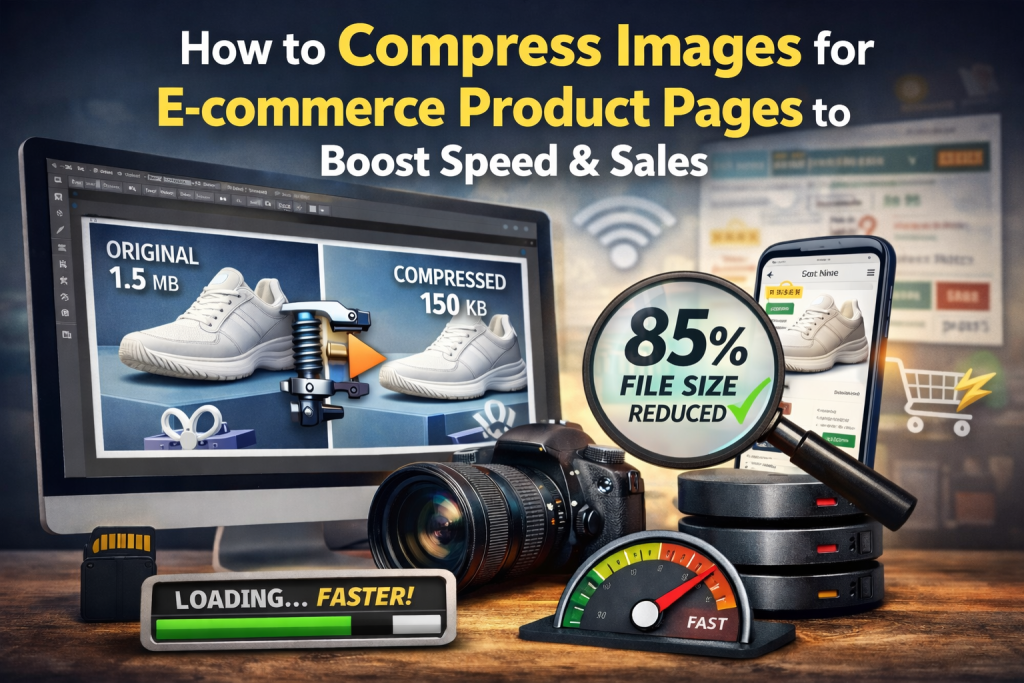
High-quality product images are essential for e-commerce success, but large, unoptimized images can slow down your website, frustrate customers, and reduce conversions ⚠️.
In this guide, you’ll learn how to compress images for e-commerce product pages without sacrificing quality, why image optimization matters for online stores, and how to do it quickly using a free online tool.
Why Image Compression Matters for E-commerce 🛍️
Product pages often contain multiple high-resolution images to showcase details. While these images enhance the shopping experience, they can also:
- Increase page load times ⏱️
- Cause slow mobile and desktop performance 📱💻
- Negatively impact SEO rankings 🔍
- Increase bounce rates and reduce sales 💰
Optimizing images ensures your product pages load fast, creating a smoother shopping experience and boosting conversions.
How Large Images Affect E-commerce Performance 📊
Large, uncompressed images can:
- Delay the display of main product content
- Cause layout shifts that disrupt the page design
- Slow down mobile browsing
- Lower Core Web Vitals scores (LCP & CLS)
Even a few oversized images can significantly affect website speed, making image compression a must for e-commerce stores.
Best Practices for Compressing Product Images 🖼️
1. Resize Images to the Correct Dimensions
Avoid uploading full-resolution camera images. Resize images to the exact dimensions needed for product pages.
2. Choose the Right Format
- JPEG/JPG: Best for product photos
- PNG: Ideal for logos or transparent images
- WebP: Modern format offering smaller file sizes without losing quality
3. Compress Images Before Upload
Reducing file size before uploading ensures pages load quickly, improving both SEO and user experience.
4. Maintain Image Quality
Avoid over-compression. The goal is to retain detail while making the image smaller and faster to load.
Compress Images Easily Online 🔗
You don’t need advanced software to compress product images. A simple online tool allows you to reduce file size without losing quality:
👉 https://reduceimageresolution.com
Benefits ✅
- Free and beginner-friendly
- Works on desktop and mobile devices
- Maintains visual quality
- Speeds up e-commerce product pages
- Helps improve SEO performance
Step-by-Step Guide to Compress Product Images 🧭
- Visit 👉 https://reduceimageresolution.com
- Upload your product image
- Adjust compression settings
- Click “Compress”
- Download the optimized image
Your product images are now ready for upload, providing a fast-loading, professional-looking online store 🚀.
SEO Benefits of Optimized Product Images 📈
Optimized images improve your e-commerce store by:
- Increasing page loading speed
- Improving mobile performance 📱
- Enhancing Core Web Vitals (LCP & CLS)
- Reducing bounce rates
- Boosting conversions and sales 💰
Fast-loading product pages create a better shopping experience and encourage repeat customers.
Common Mistakes to Avoid ❌
- Uploading uncompressed, high-resolution product images
- Ignoring mobile optimization
- Over-compressing and losing image clarity
- Using outdated image formats instead of WebP or JPEG
- Not resizing images before uploading
Avoiding these mistakes ensures a balance between speed and image quality.
Image Compression Tips for Different E-commerce Platforms 🌍
Shopify
Compress product images before uploading to improve storefront speed.
WooCommerce
Use optimized images for product pages and thumbnails to enhance mobile browsing.
Magento
High-quality but compressed images help reduce page load time for large catalogs.
BigCommerce
Optimized images keep product pages fast while maintaining visual appeal.
Final Thoughts 🌟
Compressing images for e-commerce product pages is essential for improving website speed, SEO, and sales. Smaller, optimized images load faster, reduce bounce rates, and enhance the overall shopping experience.
For an easy, free, and beginner-friendly solution to compress your product images, visit 👉 https://reduceimageresolution.com. Faster product pages mean happier customers, better SEO, and increased sales 🛒😊.