
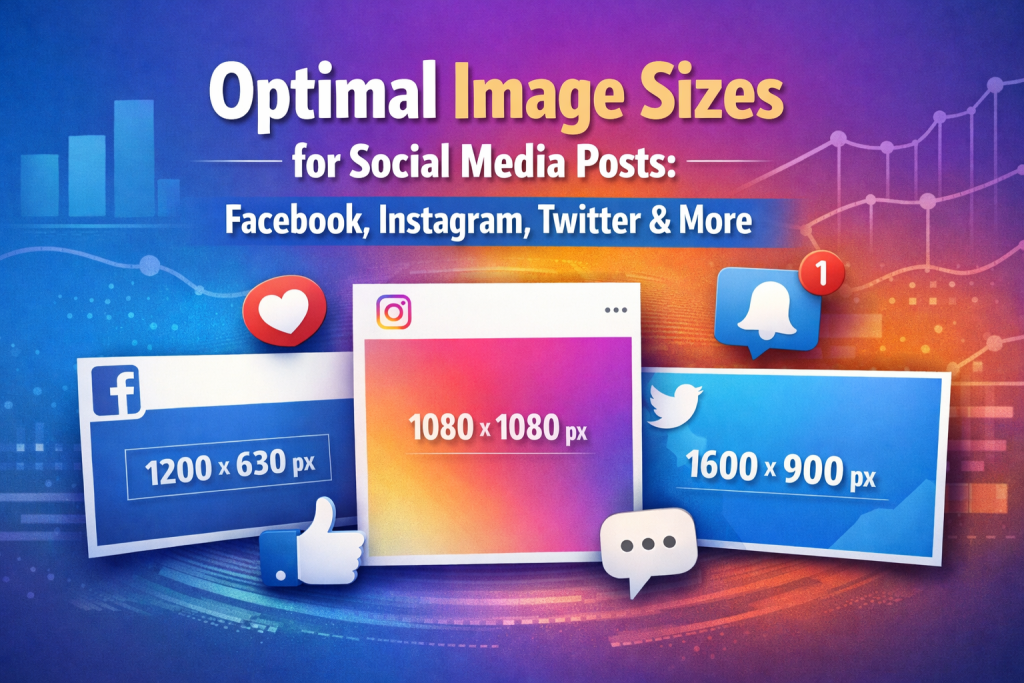
Social media is all about visuals, and using the correct image size ensures your posts look professional, engage users, and perform well across platforms. Posting images that are too small, too large, or the wrong aspect ratio can result in pixelation, cropping, or slow loading times ⚠️.
In this guide, you’ll learn the best image sizes for Facebook, Instagram, Twitter, and other popular social media platforms, plus tips to compress and optimize images without losing quality.
Why Correct Image Size Matters on Social Media 🌟
Using the correct image size ensures:
-
Images are crisp and clear 🔍
-
Posts display correctly on mobile and desktop devices 📱💻
-
Faster loading times and better user engagement 🚀
-
Improved brand professionalism and credibility
Even small mistakes, like uploading oversized images, can reduce engagement and make your content appear unprofessional.
Recommended Image Sizes for Popular Platforms 🖼️
-
Profile Picture: 180 x 180 px
-
Cover Photo: 820 x 312 px
-
Shared Image: 1200 x 630 px
-
Event Image: 1920 x 1005 px
-
Profile Picture: 320 x 320 px
-
Square Post: 1080 x 1080 px
-
Portrait Post: 1080 x 1350 px
-
Story: 1080 x 1920 px
-
Profile Picture: 400 x 400 px
-
Header Photo: 1500 x 500 px
-
In-Stream Image: 1200 x 675 px
-
Profile Picture: 400 x 400 px
-
Background Photo: 1584 x 396 px
-
Shared Image: 1200 x 627 px
Tips to Optimize Social Media Images ⚡
1. Use the Correct Aspect Ratio
Each platform has a preferred aspect ratio. Using the wrong ratio can lead to cropping or stretched images.
2. Compress Images Without Losing Quality
Reducing file size makes your images load faster and improves posting efficiency without sacrificing quality.
A simple tool for compression: 👉 https://reduceimageresolution.com
3. Use Modern Image Formats
WebP and JPEG are ideal for social media posts as they balance quality and size.
4. Test Across Devices
Always preview images on mobile and desktop to ensure proper display.
How to Compress Social Media Images Easily 🔗
Compressing images before uploading ensures they look great and load quickly:
-
Upload your image
-
Adjust compression settings
-
Click “Compress”
-
Download the optimized image
This process ensures your posts load fast and maintain high-quality visuals 🚀.
Why Optimized Images Improve Engagement 📈
Optimized images contribute to better social media performance:
-
Faster loading improves visibility
-
Clear, crisp images attract more likes, shares, and comments ❤️
-
Reduces the risk of cropped or distorted images
-
Enhances overall brand presence and professionalism
Properly sized and optimized images are essential for growing your social media audience.
Common Mistakes to Avoid ❌
-
Uploading images with incorrect dimensions
-
Using uncompressed images that load slowly
-
Ignoring mobile display requirements
-
Over-compressing and reducing image clarity
-
Not testing images before posting
Avoiding these mistakes ensures professional-looking social media posts and better engagement.
Image Optimization for Different Platforms 🌍
Use compressed images for posts, ads, and cover photos to ensure faster loading and sharp visuals.
Optimize stories, posts, and reels to maintain clarity and retain user engagement.
Ensure header and in-stream images are compressed to reduce load times on mobile and desktop.
Compressed images enhance profile visuals and shared content for professional appeal.
Final Thoughts 🌟
Using the correct image sizes for social media posts is crucial for professional-looking content and better user engagement. Combined with compression, optimized images load faster, look sharp, and help maintain a strong brand presence across all platforms.
For an easy, free, and beginner-friendly way to compress your social media images, visit 👉 https://reduceimageresolution.com. Optimized images mean faster loading, higher engagement, and visually appealing posts for all your social channels 😊.