
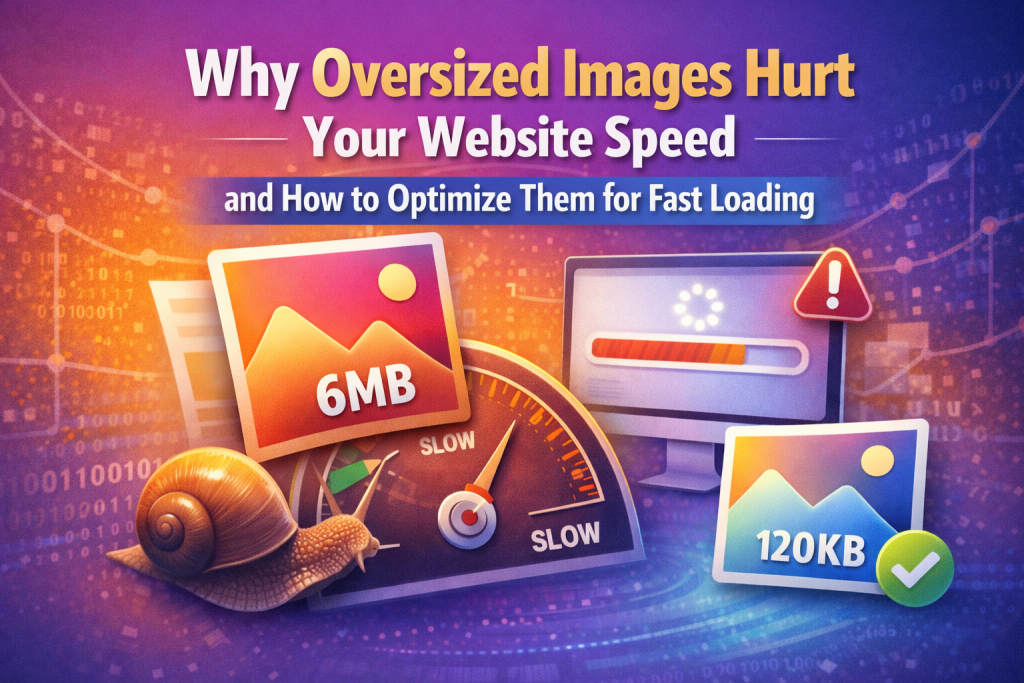
Website speed is a crucial factor for user experience, SEO rankings, and conversions. One of the most common reasons websites load slowly is large, unoptimized images. Oversized images can dramatically increase page load time, frustrate users, and hurt search engine rankings ⚠️.
In this guide, you’ll learn why large images slow down websites, how they affect performance, and simple ways to optimize them for fast loading using online tools.
Why Large Images Slow Down Websites ⏱️
Images often make up the majority of a webpage’s total size. When images are too large, they can:
-
Increase page load times, frustrating users ⏳
-
Slow down mobile and desktop performance 📱💻
-
Increase server bandwidth usage 🌐
-
Lower Google PageSpeed and SEO rankings 🔍
Even a single uncompressed 5MB image can add several seconds to your page load time, which can significantly impact bounce rates and conversions 📉.
How Large Images Affect Core Web Vitals 📊
Google measures website performance using Core Web Vitals, which include:
-
Largest Contentful Paint (LCP) – Time it takes for the largest page element to load
-
Cumulative Layout Shift (CLS) – Visual stability of the page as it loads
Large images delay rendering of main content, harming LCP, and can cause layout shifts if image dimensions aren’t defined, negatively impacting CLS.
Why Website Speed Matters 🌟
Fast websites provide:
-
Better user experience 😊
-
Lower bounce rates
-
Higher engagement and conversions 💰
-
Improved mobile usability
-
Higher search engine rankings 🔍
Optimizing images is one of the fastest ways to boost website speed without complicated coding.
Best Practices for Optimizing Large Images 🖼️
1. Resize Images
Upload images at the exact dimensions needed for your website. Avoid using full-resolution camera images.
2. Choose the Right Format
-
JPEG/JPG – Best for photos
-
PNG – Ideal for logos and transparent images
-
WebP – Modern format with smaller size and high quality
-
AVIF – High compression without quality loss
3. Compress Images Before Uploading
Reducing file size before adding images to your website speeds up page load time and improves Core Web Vitals.
4. Test on Multiple Devices
Check how images perform on mobile, tablet, and desktop to ensure speed and quality.
How to Optimize Large Images Easily 🔗
You don’t need technical skills to compress images. A free online tool can reduce file size without sacrificing quality:
👉 https://reduceimageresolution.com
Benefits of Using Online Compression ✅
-
Free and beginner-friendly
-
Works on desktop and mobile devices
-
Fast processing
-
Maintains image quality
-
Improves website speed and SEO
Step-by-Step Guide to Optimize Large Images 🧭
-
Upload your large image
-
Adjust compression settings
-
Click “Compress”
-
Download the optimized image
Now your images are ready to upload for faster website performance 🚀.
SEO Benefits of Optimized Images 📈
Optimizing large images improves SEO by:
-
Reducing page load times
-
Improving mobile performance 📱
-
Enhancing Core Web Vitals (LCP & CLS)
-
Lowering bounce rates
-
Boosting engagement and conversions
Google favors websites that load quickly, making image optimization a key SEO strategy.
Common Mistakes to Avoid ❌
-
Uploading uncompressed images directly from cameras or smartphones
-
Using images larger than needed
-
Ignoring mobile optimization
-
Over-compressing and losing quality
-
Failing to use modern formats like WebP or AVIF
Avoiding these mistakes ensures a balance between image quality and website speed.
Image Optimization for Different Website Types 🌍
Blogs
Compress featured images and illustrations for faster loading.
eCommerce Stores
Optimized product images reduce bounce rates and increase conversions 🛒.
Business Websites
Fast-loading images enhance professionalism and trust.
Portfolio Websites
High-quality compressed images showcase work without slowing down the site.
Final Thoughts 🌟
Large images can seriously slow down your website, hurt SEO, and frustrate users. Optimizing images by resizing, compressing, and using the right formats ensures faster loading, better Core Web Vitals, and improved user experience.
For an easy, free, and beginner-friendly way to compress and optimize your images, visit 👉 https://reduceimageresolution.com. Faster images mean faster websites, better SEO, and happier visitors 😊.