
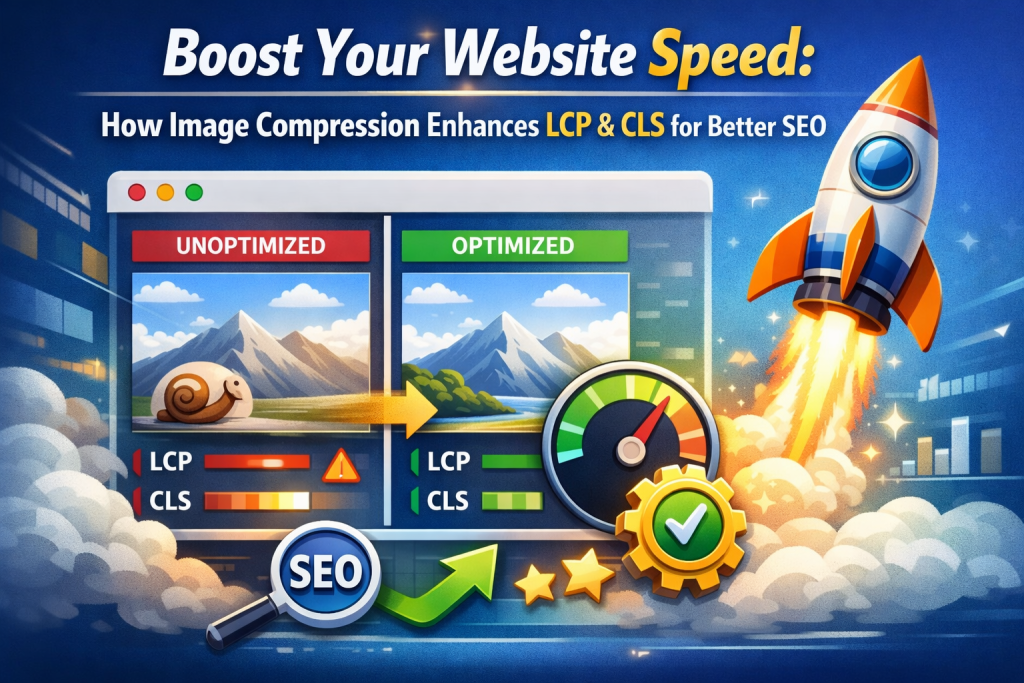
Core Web Vitals are a crucial part of modern SEO and user experience. Google uses these performance metrics to measure how fast, stable, and user-friendly a website is. Among all website elements, images play a major role in affecting these scores. Large and unoptimized images are one of the biggest reasons for poor Core Web Vitals.
In this article, you will learn how image compression improves Core Web Vitals, with a clear explanation of Largest Contentful Paint (LCP) and Cumulative Layout Shift (CLS), and how optimizing images can help your website perform better in search results 📈.
What Are Core Web Vitals? 🔍
Core Web Vitals are performance signals used by Google to evaluate real-world user experience on a website. The main metrics include:
- Largest Contentful Paint (LCP) – Loading speed
- Cumulative Layout Shift (CLS) – Visual stability
- Interaction to Next Paint (INP) – Interactivity
Among these, LCP and CLS are heavily influenced by images, making image compression an essential optimization step.
What Is Image Compression? 🖼️
Image compression is the process of reducing the file size of an image without noticeably affecting its visual quality. Smaller image files load faster and consume less bandwidth, which directly improves website performance and Core Web Vitals scores ⚡.
There are two common types of image compression:
Lossy Compression
Removes unnecessary image data to reduce file size significantly. Slight quality loss may occur but is usually invisible to users.
Lossless Compression
Reduces file size without removing any image data. Quality remains the same, but compression is less aggressive.
Both methods help improve loading speed when used correctly.
How Image Compression Improves Largest Contentful Paint (LCP) ⏱️
Largest Contentful Paint measures how long it takes for the largest visible element on a page to load. In most cases, this element is a hero image, banner, or featured image.
How Images Affect LCP
- Large images take longer to download
- Uncompressed images delay rendering
- Slow LCP leads to poor user experience
How Compression Helps
- Smaller images load faster
- Reduced server response time
- Faster rendering of main content
By compressing images, the largest element appears sooner, improving LCP and making your website feel fast and responsive 🚀.
How Image Compression Improves Cumulative Layout Shift (CLS) 📐
Cumulative Layout Shift measures how much a page’s layout shifts while loading. Unexpected movement of content is frustrating for users and results in poor CLS scores.
How Images Cause Layout Shift
- Images load late without fixed dimensions
- Large image files delay layout rendering
- Content jumps when images finally load
How Compression Helps
- Faster image loading prevents layout jumps
- Reduced loading delays
- More stable page layout
When images load quickly, the page structure remains stable, resulting in a better CLS score and smoother user experience 😊.
Why Images Are the Biggest Problem for Core Web Vitals ⚠️
Images often cause Core Web Vitals issues because:
- They are the largest assets on a webpage
- Many websites upload raw, high-resolution images
- Images are not compressed or resized
- Mobile users face slower network speeds
Optimizing images is one of the fastest ways to improve both LCP and CLS without complex coding.
Best Image Optimization Practices for Core Web Vitals 🛠️
Use Proper Image Dimensions
Always upload images at the exact size needed for display.
Compress Images Before Uploading
Never upload raw images directly to your website.
Use Modern Image Formats
Formats like WebP and AVIF offer smaller file sizes.
Avoid Over-Compression
Maintain image clarity while reducing size.
Compress Images Online for Better Core Web Vitals 🔗
A simple way to optimize images is by using an online compression tool. You can reduce image size quickly without losing quality by visiting:
👉 https://reduceimageresolution.com
Key Benefits ✅
- Free image compression
- No signup required
- Works on mobile and desktop
- Fast image processing
- Improves LCP and CLS scores
- Easy and beginner-friendly
This makes image optimization accessible for bloggers, business owners, developers, and content creators.
How to Optimize Images Step by Step 🧭
- Visit https://reduceimageresolution.com
- Upload your image
- Adjust compression or resolution
- Compress the image
- Download and upload it to your website
Optimized images help your pages load faster and stay visually stable 🎯.
SEO Benefits of Improving LCP & CLS 📈
Better Core Web Vitals lead to:
- Higher Google rankings
- Lower bounce rates
- Better mobile performance
- Improved user engagement
- Stronger website credibility
Since images directly affect LCP and CLS, image compression becomes a critical SEO strategy.
Common Image Optimization Mistakes ❌
- Uploading images without compression
- Using oversized images
- Ignoring mobile performance
- Not setting image dimensions
- Over-compressing and reducing quality
Avoiding these mistakes helps maintain strong Core Web Vitals scores.
Image Compression for Different Website Types 🌍
Blogs
Faster featured images improve LCP and reading experience.
eCommerce Websites
Stable product images reduce layout shifts and improve conversions 🛒.
Business Websites
Better performance builds trust and professionalism.
Portfolio Websites
High-quality compressed images load fast without layout jumps.
Final Thoughts 🌟
Image compression plays a vital role in improving Core Web Vitals, especially Largest Contentful Paint (LCP) and Cumulative Layout Shift (CLS). Smaller, optimized images load faster and keep layouts stable, creating a smooth and enjoyable user experience. Since Google uses these metrics for rankings, optimizing images is essential for SEO success.
If you want to improve LCP and CLS without technical complexity, start optimizing your images today by visiting 👉 https://reduceimageresolution.com. Faster images lead to better Core Web Vitals, higher rankings, and happier users 😊.