
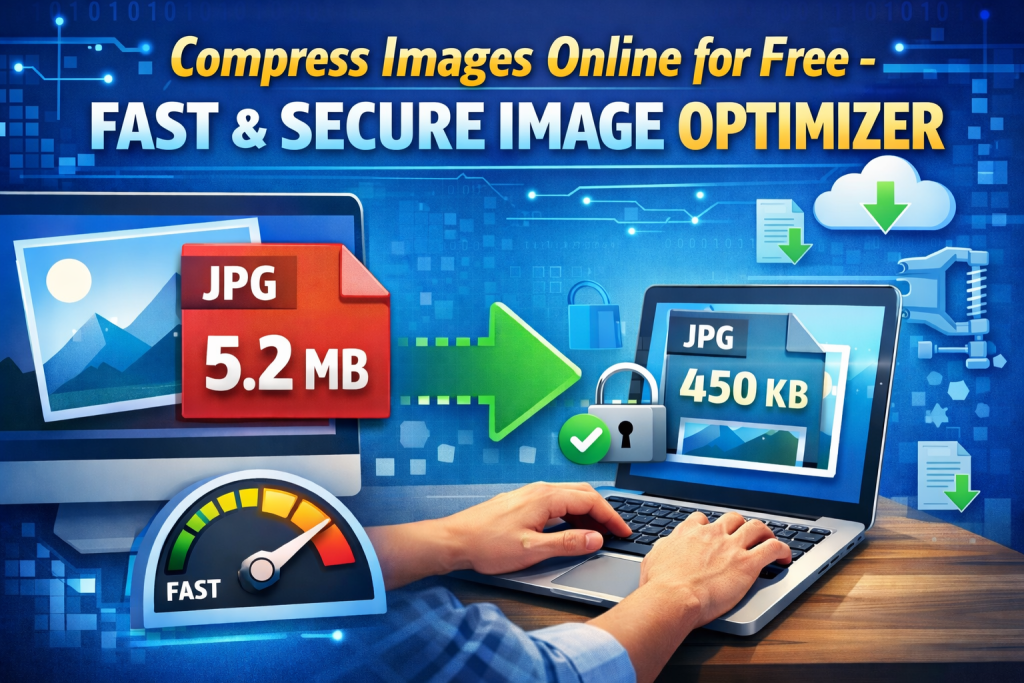
In today’s fast-paced digital world, website performance and user experience are everything. Whether you’re running a blog, an e-commerce store, or a portfolio site, slow pages can harm engagement, conversions, and even search rankings. One of the most overlooked yet highly impactful aspects of website optimization is image size and resolution. Large, unoptimized images are often the biggest culprit behind slow load times—but they don’t have to be.
Enter ReduceImageResolution.com — a powerful, free, browser-based solution that makes image optimization simple, secure, and effective. In this guide, we’ll walk you through why optimizing images matters, how ReduceImageResolution.com works, and tips for getting the most out of image compression.
📌 Why Image Optimization Matters for Your Website
Images are essential for capturing attention and conveying information—but they also add bulk to your pages. When images are too large in file size or resolution, they can:
🔹 Slow Down Page Load Times
A slow website not only frustrates users but also hurts your SEO rankings. Google’s Core Web Vitals specifically measure page speed and load performance, with image size being a major factor. Optimized images help improve metrics like Largest Contentful Paint (LCP), which directly influence search visibility. (RMBG.PRO)
🔹 Increase Bandwidth Usage
Large image files consume more data, which can be costly for both you and your visitors. This is especially important for users on mobile networks or slower connections who are sensitive to data usage.
🔹 Hurt User Experience
Slow loading images lead to higher bounce rates and lower engagement. Visitors expect content to show up instantly—especially on mobile.
🔹 Affect Conversions
For e-commerce sites, unoptimized images can delay product displays and frustrate shoppers, directly impacting sales and conversions.
Fortunately, reducing image resolution and compressing image files addresses all these issues without requiring expensive software or technical knowledge.
🛠️ What Is ReduceImageResolution.com?
ReduceImageResolution.com is a free, online tool designed to help users compress and resize images easily—right from their browser. Unlike traditional software, it requires no installation, no account creation, and no uploads to external servers. The entire process happens locally on your device, ensuring full privacy and control over your images. (reduceimageresolution.com)
Here’s why this leading tool deserves a spot in your digital toolkit:
🔐 1. 100% Privacy and Local Processing
Images are processed entirely in your browser. They are never uploaded to any server, which means your personal or sensitive visuals stay secure and private. This privacy-focused approach makes ReduceImageResolution.com especially appealing for professionals and casual users alike. (reduceimageresolution.com)
⚡ 2. Fast and Intuitive Performance
The tool uses advanced compression algorithms to reduce image file sizes quickly, without sacrificing visual quality. Whether you’re resizing photos for a website or compressing graphics for email attachments, results happen in seconds. (reduceimageresolution.com)
📁 3. Supports Multiple Formats
ReduceImageResolution.com works with a wide range of popular file formats including:
-
JPG / JPEG
-
PNG
-
WEBP
-
BMP
-
TIFF
This flexibility means you can optimize images no matter where they’re used—on websites, blogs, or social media. (reduceimageresolution.com)
🖼️ 4. Customizable Output Settings
Want to resize images by:
-
Percentage?
-
Pixels?
-
Centimeters or inches?
You can tailor the output to meet your exact needs—making it perfect for web pages, print, social media posts, and email marketing. (reduceimageresolution.com)
📊 5. Advanced Controls for Quality and Metadata
You can choose your output image quality level (from high to compressed) and decide whether to keep or remove EXIF metadata (like camera information), giving you complete control over your results. (reduceimageresolution.com)
🚀 How to Use ReduceImageResolution.com (Step-by-Step)
Using ReduceImageResolution.com is straightforward—even for beginners:
Step 1: Upload or Drag & Drop Your Image
Go to the homepage and upload the file you want to optimize. You can also simply drag and drop it into the upload area. (reduceimageresolution.com)
Step 2: Choose Output Settings
Select your desired format, size reduction, and quality level. The tool offers presets like “Web Optimized” or “Social Media” to help you get started quickly. (reduceimageresolution.com)
Step 3: Resize and Adjust as Needed
You can resize images by pixels or percentages and even rotate, flip, or edit before compression. (reduceimageresolution.com)
Step 4: Compress and Download
Click the compress button. Once compressed, download your optimized image instantly. (reduceimageresolution.com)
That’s it—no signup, no subscriptions, and no hidden fees.
🌍 Who Can Benefit from This Tool?
This versatile tool is valuable for a wide variety of users:
🧑💻 Digital Creators & Bloggers
If your blog relies on rich visuals, high-quality images are vital—but so is speed. ReduceImageResolution.com helps you balance beauty with speed to keep readers engaged.
🛍️ E-Commerce and Small Business Owners
Faster product image loads make browsing smoother and more enjoyable for customers, contributing to better sales performance.
🎓 Students & Professionals
Whether you’re submitting assignments, creating presentations, or preparing portfolios, you can keep image sizes manageable without losing visibility.
📱 Everyday Users
Sharing photos on social media, sending attachments via email, or storing memories on cloud drives becomes easier when files are compact without losing essence.
📈 SEO Benefits of Optimized Images
Optimizing images with tools like ReduceImageResolution.com has concrete benefits for your SEO strategy:
⏱️ Faster Loading Times
Better load speed improves metrics like page speed score, which Google considers a ranking signal.
📉 Reduced Bounce Rates
Visitors are far more likely to stay on pages that load quickly, which can indirectly improve rankings and engagement.
📱 Better Mobile Performance
Mobile traffic makes up a huge portion of web visits. Smaller image sizes mean faster loads on mobile, reducing data consumption. (RMBG.PRO)
💡 Improved User Experience
Search engines reward sites that deliver fast, responsive experiences—optimized images are a big part of that.
🧠 Best Practices for Image Optimization
To get the most from ReduceImageResolution.com, consider these tips:
✔️ Resize Before Compression
Reducing the pixel dimensions before compressing will significantly reduce file size with minimal quality loss.
✔️ Use the Right Format
For photos, JPEG and WebP generally deliver the best balance of quality and file size. For images with transparency, consider PNG or WebP.
✔️ Keep File Sizes Under Target Thresholds
Aim for images under 200–500 KB for most web use cases—a size that balances quality with performance.
✔️ Add Descriptive Alt Text
Improving SEO isn’t just about size. Use descriptive alt text to help search engines understand your images.
📌 Final Thoughts
Optimizing images isn’t optional in 2026—it’s essential. Tools like ReduceImageResolution.com provide an easy, free, and private way to reduce image file sizes while maintaining quality, boosting performance, and enhancing your SEO efforts. Whether you’re managing a business website, blog, or personal portfolio, this tool helps you achieve faster page loads and better user engagement without complicated software or technical hurdles.
Ready to optimize your visuals and supercharge your website?
👉 Visit ReduceImageResolution.com today and make your images work smarter, not harder.