
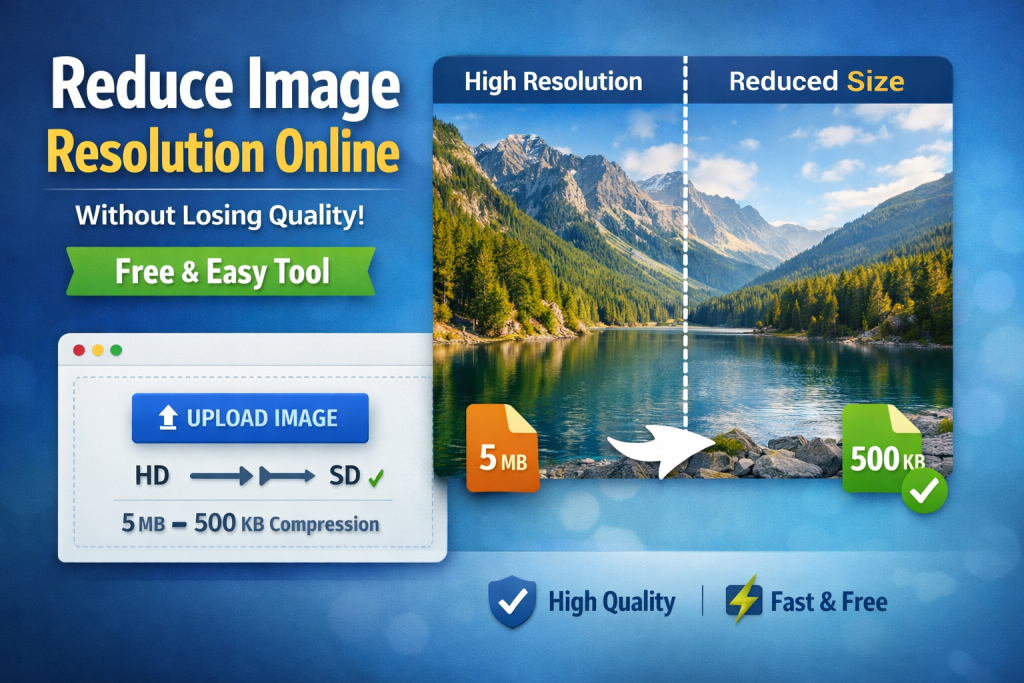
In today’s digital world, images play a vital role in websites, social media, presentations, and online marketing. However, high-resolution images often come with large file sizes that slow down websites, consume storage, and create upload issues. This is where an online image resolution reducer becomes essential. If you are looking for a free, simple, and effective way to reduce image resolution without losing quality, ReduceImageResolution.com is a reliable solution worth considering.
This article explores how image resolution reduction works, why it matters, and how ReduceImageResolution.com helps users optimize images effortlessly without compromising visual clarity.
What Does Reducing Image Resolution Mean?
Image resolution refers to the number of pixels in an image, usually expressed as width × height (for example, 4000 × 3000 pixels). Higher resolution means more detail, but it also results in larger file sizes.
Reducing image resolution means decreasing the number of pixels while keeping the image visually acceptable. When done correctly, the image still looks sharp to the human eye but takes up significantly less space.
The challenge most users face is maintaining image quality while reducing resolution, and that is exactly what ReduceImageResolution.com is designed to do.
Why You Should Reduce Image Resolution
Reducing image resolution offers multiple practical benefits for both individuals and businesses.
1. Faster Website Loading Speed
Large images slow down websites. By reducing image resolution, pages load faster, improving user experience and SEO rankings.
2. Better SEO Performance
Search engines prioritize fast-loading websites. Optimized images contribute to improved Core Web Vitals and better visibility in search results.
3. Easier Sharing and Uploading
Smaller image files are easier to upload on websites, email platforms, and social media without compression errors.
4. Reduced Storage Usage
Lower-resolution images require less storage space, which is helpful for cloud storage and content management systems.
5. Improved Mobile Performance
Mobile users benefit significantly from optimized images that load quickly without consuming excessive data.
Introducing ReduceImageResolution.com
ReduceImageResolution.com is a free online tool designed to help users reduce image resolution efficiently while preserving quality. It works directly in your browser, meaning there is no software installation required.
The website is user-friendly and suitable for beginners as well as professionals who need quick image optimization without technical complexity.
Key Features of ReduceImageResolution.com
Free to Use
One of the biggest advantages of ReduceImageResolution.com is that it is completely free. There are no hidden costs, subscriptions, or watermarks.
No Registration Required
You can reduce image resolution instantly without signing up or sharing personal information.
Maintains Visual Quality
The tool intelligently adjusts resolution so the image remains visually sharp and professional.
Browser-Based Tool
Everything works online, making it compatible with Windows, macOS, Linux, tablets, and mobile devices.
Fast Processing
Images are processed quickly, saving time for users working on multiple files.
Simple and Clean Interface
The website is easy to navigate, even for users with no technical background.
How to Reduce Image Resolution Using ReduceImageResolution.com
Using ReduceImageResolution.com is straightforward and does not require advanced knowledge.
Step 1: Visit the Website
Go to https://reduceimageresolution.com/ using any modern browser.
Step 2: Upload Your Image
Select the image you want to reduce. Most common image formats are supported.
Step 3: Choose Resolution Settings
Adjust the resolution settings according to your needs. This allows you to control how much the image is resized.
Step 4: Process the Image
Click the reduce button, and the tool will automatically optimize your image.
Step 5: Download the Optimized Image
Once processing is complete, download the reduced-resolution image instantly.
Who Can Benefit from ReduceImageResolution.com?
This tool is useful for a wide range of users across different industries.
Website Owners and Bloggers
Optimized images improve website speed, SEO, and user engagement.
Digital Marketers
Faster image loading enhances ad performance and landing page conversions.
Students and Educators
Reduced file sizes make assignments and presentations easier to upload and share.
Social Media Managers
Optimized images help meet platform size requirements without losing clarity.
E-commerce Store Owners
High-quality but lightweight product images improve shopping experiences and reduce bounce rates.
Reduce Image Resolution Without Losing Quality – How It Works
The secret behind reducing resolution without noticeable quality loss lies in smart resampling techniques. Instead of simply shrinking the image, the tool balances pixel reduction while preserving edges, colors, and visual sharpness.
ReduceImageResolution.com ensures that images remain visually appealing, making them suitable for both web and print use.
Advantages of Using an Online Tool Over Software
Many users still rely on heavy desktop software for image editing, but online tools like https://reduceimageresolution.com/ offer clear advantages.
-
No installation or updates required
-
Accessible from anywhere
-
Lightweight and fast
-
No system resource consumption
-
Ideal for quick tasks
For users who need efficiency and simplicity, an online image resolution reducer is a practical solution.
Image Optimization and SEO
Image optimization is a critical SEO factor that many websites overlook. By reducing image resolution:
-
Page speed improves
-
Bounce rate decreases
-
Search engine crawl efficiency increases
-
User experience is enhanced
Using ReduceImageResolution.com helps ensure your images contribute positively to overall SEO performance rather than slowing your site down.
Privacy and Security
When using online tools, privacy is a common concern. ReduceImageResolution.com processes images efficiently without unnecessary data retention. This makes it suitable for personal, educational, and professional use.
Final Thoughts
If you are searching for a free, fast, and reliable way to reduce image resolution online without losing quality, ReduceImageResolution.com is an excellent choice. Its simplicity, accessibility, and focus on maintaining image clarity make it a valuable tool for anyone working with digital images.
Whether you are optimizing images for SEO, improving website performance, or simply reducing file sizes for easier sharing, this tool delivers practical results without complications.
Visit https://reduceimageresolution.com/ today and experience hassle-free image resolution reduction with quality you can trust.